
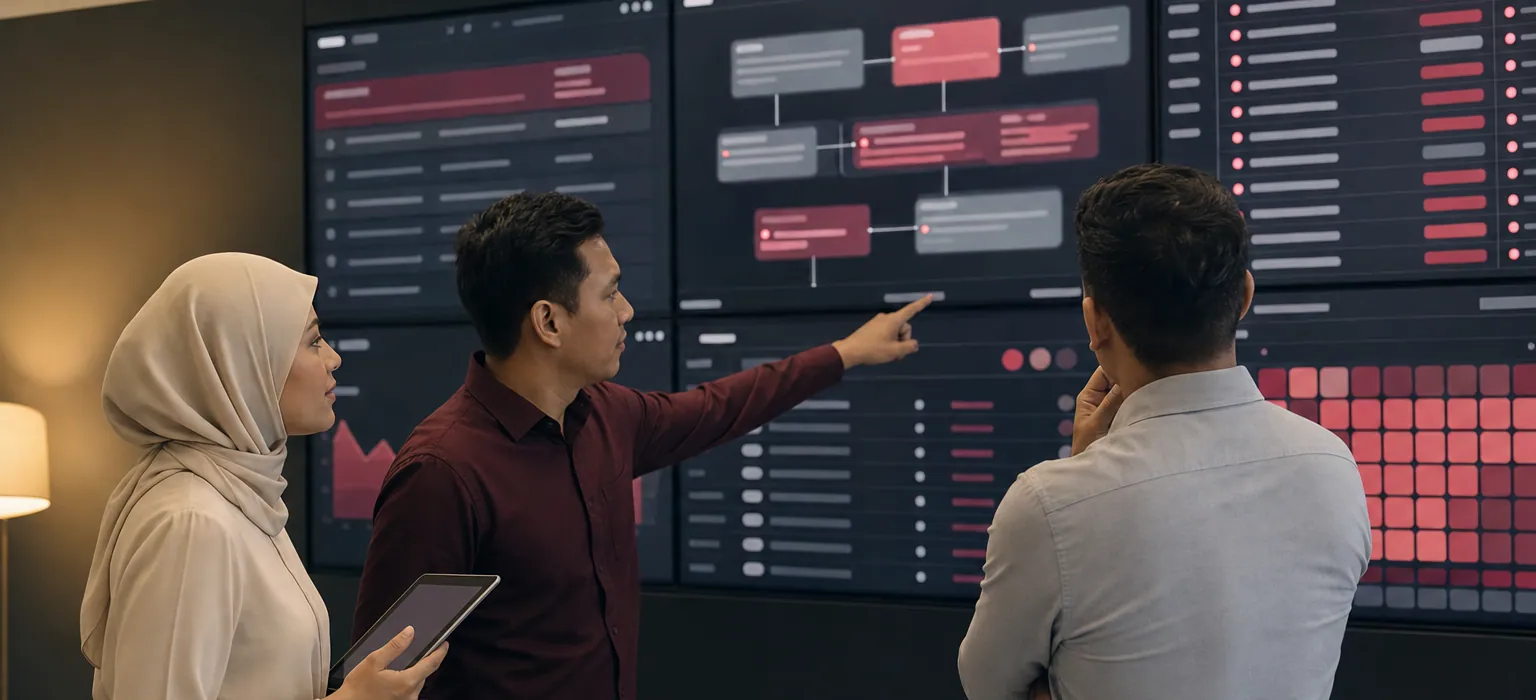
Colleagues reviewing operational boards and an exception queue on a wall of screens in a command room.

// Solutions · Intelligent Operations

Connect work, information and the decisions between them.

Most operational pain is not a missing system — it is five systems that each know part of the answer. Intelligent Operations brings workflows, approvals, operational records and permission-aware AI assistance into one environment, so an exception is visible the day it appears rather than the month it is reported.

  • Every request has one owner
  • Exceptions surface the day they appear
  • One picture, every department

// The console

What an operations lead actually opens in the morning.

Not a report someone compiled last week. The same records the approvals ran through, grouped by what is stuck — with an owner attached to every line.

Operations · exception board

Live

Stage 01

Raised

42

across 6 departments

Stage 02

In review

18

3 past target

Stage 03

Approved

11

awaiting action

Stage 04

Closed

96

this month

RefRequestOwnerAgeState
REQ-2418 Capex request · Facilities Hj. Rahman 2d On track
REQ-2402 Vendor onboarding · Procurement Siti N. 6d At risk
REQ-2397 Access change · IT Unassigned 9d Breached
REQ-2431 Overtime approval · Operations Awang M. 4h On track
REQ-2389 Contract renewal · Legal Nurul A. 3d On track

Illustrative view · figures are example data, not a client system

// What you get

One operating picture instead of five partial ones.

Everything below runs on shared records, so the same request does not exist in three different states depending on who you ask.

01

Workflow Orchestration

Requests, cases and internal processes modelled once and run consistently across departments, with hand-offs that cannot be skipped.

  • Cross-department process models
  • Stage & SLA definitions
  • Automatic routing & escalation
  • Reassignment without losing history
02

Approval & Delegation Control

Approval matrices that reflect your real authority limits, including delegation while someone is on leave and out-of-policy exceptions that must be justified.

  • Role- and value-based matrices
  • Delegation & acting authority
  • Out-of-policy justification capture
  • Full approval-chain visibility
03

Operational Command Views

Live views built for the person looking — a supervisor sees today's queue, a director sees the whole operation and where it is drifting.

  • Role-specific dashboards
  • Exception & ageing queues
  • Bottleneck identification
  • Drill-through to the record
04

Exception & Threshold Alerting

Thresholds you define — ageing, value, deadline, repeat occurrence — watched continuously and raised to a named owner rather than an inbox nobody reads.

  • Configurable thresholds
  • Named-owner routing
  • Escalation on no response
  • In-app, email & WhatsApp delivery
05

AI-Assisted Knowledge & Action

Permission-aware AI that answers from your own records, drafts the routine response and prepares the next step for a person to approve.

  • Grounded in your own data
  • Answers scoped to the user's access
  • Draft-then-approve, never auto-act
  • Traceable tool calls
06

Continuous Performance Improvement

Cycle-time and rework measured per stage, so process changes are argued from what the data shows rather than from whoever complained most recently.

  • Cycle time per stage
  • Rework & rejection analysis
  • Volume & seasonality trends
  • Before/after change measurement

// How we get there

Map the friction before automating it.

Automating a broken process just makes it fail faster. We document what actually happens first — including the workarounds nobody put in the SOP.

  1. 1

    Observe

    Walk the process with the people who run it, capture the real path including the spreadsheets and the phone calls, and measure where time is lost.

  2. 2

    Redesign

    Agree the target flow, the authority limits, the exceptions that must stay manual and the measures that will tell you it improved.

  3. 3

    Orchestrate

    Configure the workflows, approvals, alerts and views, integrate the systems that hold the records, and pilot with one team.

  4. 4

    Tune

    Watch cycle time and rework in production, then adjust thresholds, routing and AI assistance as real volume teaches you what needs changing.

// FAQ

What operations leaders ask first.

Is this just a workflow tool?

A workflow tool routes tasks. This connects the routing to the records the task is about, the approval authority behind it, the alerting when it stalls and the measurement of how long it took — which is why the visibility improves rather than just the paperwork moving faster.

Our processes differ by department. Does that break it?

No, and it usually should differ. Processes are modelled per department with their own stages, authority limits and SLAs; what is shared is the underlying records, the identity of your people and the reporting layer on top.

Do we have to take the whole platform to use one solution?

No. Each solution is a configured slice of the same platform, so you can start with one department and add another later without a migration or a second integration to maintain. What you do get from the start is one data fabric underneath — so when the second solution arrives it already recognises your people, approvals and records.

Can this work alongside the systems we already run?

Yes. Most engagements leave existing line-of-business systems in place and integrate with them through APIs, scheduled syncs or event feeds. Where an existing system is genuinely the blocker we will say so, and that becomes an Application Modernization conversation rather than something we quietly work around.

// Get started

Start with the process that hurts most.

Pick the one everybody complains about in management meetings. We will walk it with your team and show you where the time actually goes.